
Agilent 1200 Series Handheld Control Module Quick Reference Guide, the manual introduces the function, settings and other information of Agilent 1200 Series Handheld Control Module
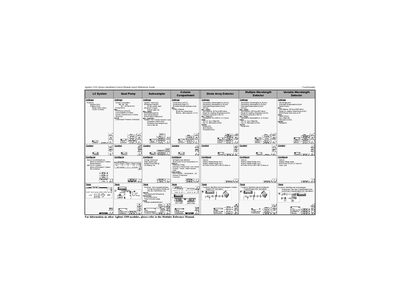
This document serves as a quick reference guide for the Agilent 1200 Series Handheld Control Module. It outlines the primary functionality of the module within an LC system, including control over pumps, autosamplers, detectors, and temperature compartments.
The guide provides visual representations and descriptions of the main screen views available on the handheld device, such as Samples, Analysis, Status, System, and Main Views. It also lists specific functions accessible via buttons for tasks like valve bypass, syringe home, needle movement, and lamp control.
The system allows you to set a vial range from Vial 1 to Vial 8.
The default timeout setting is 30 minutes before the system turns off completely.
You can select from four specific channels or an automatic mode for primary channel settings.