
This note provides detailed instructions for installing and using the new Wellplate Autosampler Purge Kit for Agilent 1100 Series Wellplate Autosampler (G1367A and G1368A (thermostatted)).
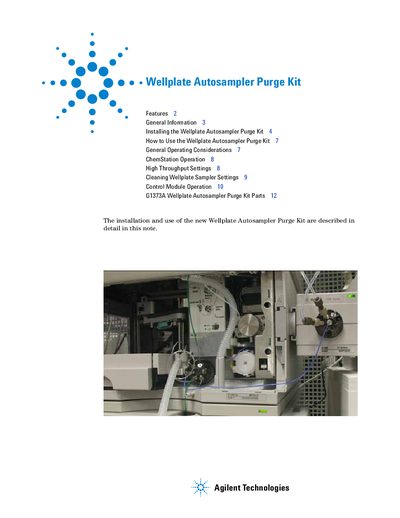
The Agilent G1373A Wellplate Autosampler Purge Kit is designed to minimize carryover for viscous samples or when using minimum injection volumes at maximum sensitivity. It achieves this by adding a 6-Position-7-Port Valve (G1156A) and specific tubing to the existing Wellplate Autosampler flow path, allowing for an additional purge cycle with strong and weak solvents after each injection.
| Compatible Autosampler Models | Agilent 1100 Series Wellplate Autosampler (G1367A and G1368A) |
|---|---|
| Required Software Version | ChemStation B.01.03 or higher |
| Required Firmware (Modules) | Firmware A.06.01 and higher |
| Required Firmware (Control Module) | Firmware B.04.01 |
The kit minimizes carryover for viscous samples, minimum injection volumes, and ensures maximum sensitivity by performing an additional purge cycle.
The kit is operated and controlled through the ChemStation or G1323B Control Module via the Wellplate Autosampler Settings.