
This document is the user's guide of CASIO CW-L300 printer. It introduces the printer's model, features, usage instructions and precautions.
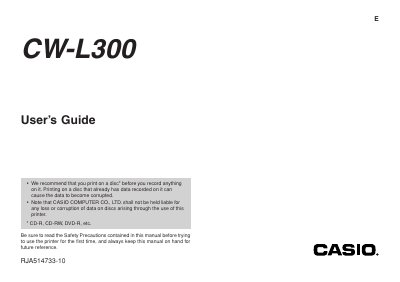
The document is a User's Guide for the Casio CW-L300 printer. It begins with important guidelines regarding data integrity on discs and liability disclaimers from CASIO COMPUTER CO., LTD.
A significant portion of the text details Safety Precautions, including warnings about battery fluid, power cords, USB cables, and fire hazards. It also covers proper handling of the LCD panel and the auto-cutter mechanism to prevent personal injury.
Do not rub your eyes, rinse them with water, and contact a physician immediately.
You must rinse the affected area with clear water for at least 15 minutes.
Turn off power, unplug the power cord from the wall outlet, and contact your original retailer.