
This manual provides instructions for operating the watch in different modes, including time setting, world time, alarm, stopwatch, and countdown timer functions.
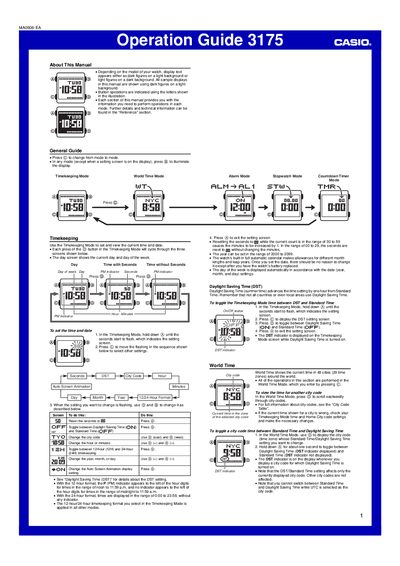
This Operation Guide explains how to use the Casio 3175 watch, which features a digital display with dark figures on a light background. The manual details button operations for navigating between modes, including Timekeeping, World Time, Alarm, Stopwatch, and Countdown Timer.
| World Time Cities | 48 cities (29 time zones) |
|---|---|
| Alarm Count | five independent Daily Alarms |
Enter the Stopwatch Mode by pressing the button, then press the button to start, the button to stop, and the button to record split times.
The alarm tone sounds for 20 seconds regardless of the mode the watch is in.
The alarm sounds for 10 seconds or until you stop it by pressing any button.