
This manual introduces safety precautions for KL-70E, including AC adaptor, assembly, disassembly, maintenance, packaging etc.
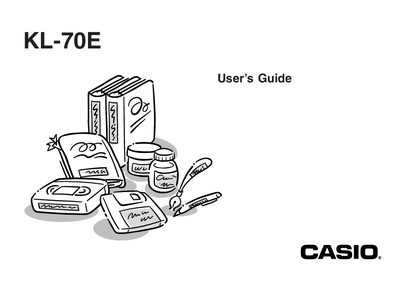
The Casio KL-70E is a label printer designed to produce adhesive labels for various applications such as name tags, cassette tape labels, floppy disks, and binders. Key features include variable tape sizes (6mm, 9mm, 12mm, 18mm), an attractive sans-serif font with effects like shading and underlining, built-in symbols, and text memory capabilities.
| Supported Tape Sizes | 6mm, 9mm, 12mm, 18mm |
|---|---|
| Font Style | Sans-serif |
| Recommended Temperature Range | 10° to 35°C (50° to 95°F) |
It makes it possible for you to print adhesive labels for a wide variety of applications, such as name tags, cassette tape labels, floppy disks, binders, and other applications.
Yes, you can even use tapes with optionally available holders to create your own stamps.
Clean off the printer head by wiping it with a cotton swab moistened with alcohol.