
Casio KL-100 Label Printer User Manual

This manual introduces the use of KL-100, including the use of the AC adaptor, do not disassemble the machine, do not let the machine fall and other precautions.
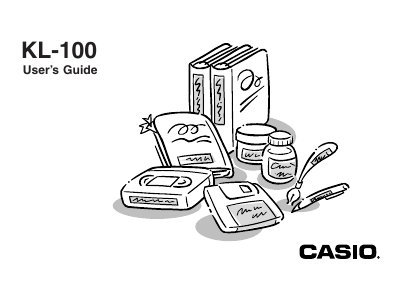

Casio KL-100 Label Printer User Manual - cover page
Brand
Casio
Document type
User Manual
Language
English
Pages
24
File format
PDF
File size
1.8 MB
Published
06 June, 2012
Updated
30 September, 2023
Model
KL-100
MD5 checksum
32ADB9093BA3D8A026F80AC0CA4494F3

About this manual

The Casio KL-100 is a label printer designed to produce adhesive labels for various applications such as name tags, cassette tape labels, floppy disks, and binders. It supports variable tape sizes (6mm, 9mm, 12mm, 18mm) and offers features like sans-serif fonts, shading effects, character styles, frames, and built-in symbols.

What's inside

  • Important Safety Precautions
  • Getting Acquainted
  • Power Supply
  • Replacing Batteries
  • Loading Tape Cartridges
  • Inputting Characters and Symbols
  • Deleting and Inserting Characters
  • Character Size and Text Effects
  • Printing Operations
  • Memory Management

Specifications

Tape Widths6mm, 9mm, 12mm, 18mm
Font StyleSans-serif font
Character Stylesnormal, outline, shadow, raised

Frequently asked questions

What is the recommended temperature range for using the label printer?

The recommended temperature range is 10° to 35°C (50° to 95°F).

Can I use any AC adaptor with this unit?

No, you must use only the AC adaptor specified for this unit (optional AD-A95100).

What should I do if liquid spills on the printer?

Immediately turn off power and unplug the power cord from the wall socket.

Download PDF (1.8 MB)

More Casio Manuals


View all Casio manuals →