
This document is the user manual of Canon KL-8100 printer, which introduces how to use the printer, including installing the printer, power connection, connecting the computer, paper input, using software, printing settings, etc.
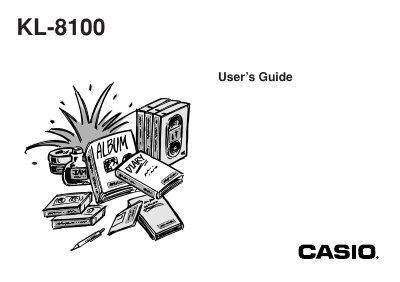
The Casio KL-8100 is a label printer designed to produce adhesive labels for various applications such as name tags, cassette tape labels, floppy disks, and binders. Key features include variable tape sizes ranging from 6mm to 24mm, support for 10 fonts with five character styles (normal, bold, outline, shadowed, raised), bar code printing, auto numbering, text memory storage, and preset formats.
This label printer makes it possible to print adhesive labels for a wide variety of applications, such as name tags, cassette tape labels, floppy disks, and binders.
The printer supports variable tape sizes of 6mm, 9mm, 12mm, 18mm, and 24mm.
The unit provides access to 10 fonts and 5 character styles including normal, bold, outline, shadow, and raised.