
This document is the user's guide for PX720/720CES1B ES. It provides safety precautions, instructions, and important information for using the piano.
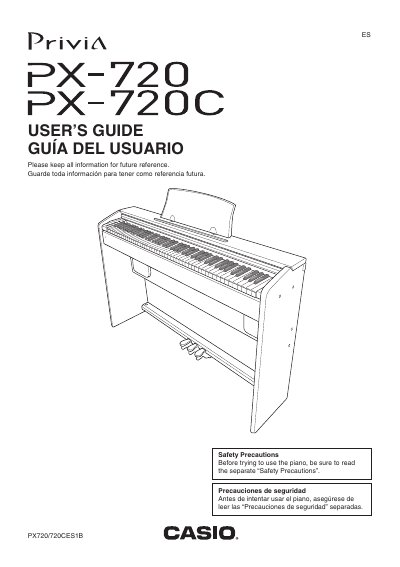
This manual provides instructions for setting up and operating the Casio Privia PX-720 digital piano. It covers safety precautions, assembling the stand, connecting headphones or external audio equipment, and using the AC adaptor (AD-12). The guide explains how to select tones, adjust brilliance and reverb effects, use the metronome, and play duets.
| Power Supply | Standard household power / AC adaptor AD-12 |
|---|---|
| Compatible Adaptor | AD-12 |
Yes, connect commercially available headphones to the PHONES jack to cut off speaker output.
The manual specifies that you must use only the AD-12 AC adaptor to power the unit.
Before moving the digital piano, you must unplug the AC adaptor from the power outlet.
You must unplug the power cord because an unlit power indicator does not mean the apparatus is completely disconnected.