
This is a user manual for an electronic piano
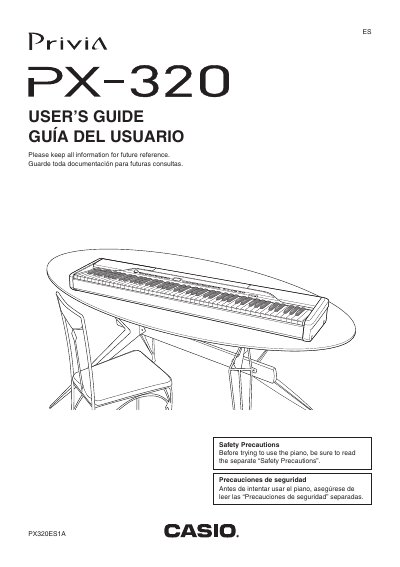
The Casio Privia PX-320 is a digital piano featuring 12 tone areas, including Grand Piano, Rock Electric Piano, and various variations. The manual details how to select tones, adjust brilliance, layer or split sounds, and use built-in rhythms and accompaniments.
| Product Name | Privia PX-320 |
|---|---|
| Model Number | PX-320 |
| Manufacturer | CASIO COMPUTER CO.,LTD. |
While the digital piano is turned off, hold down the RHYTHM and FUNCTION buttons as you press the POWER button.
Consult an electrician for replacement of the obsolete outlet.