
This is the user manual for Casio PX700ES1B, which introduces the product's features and characteristics
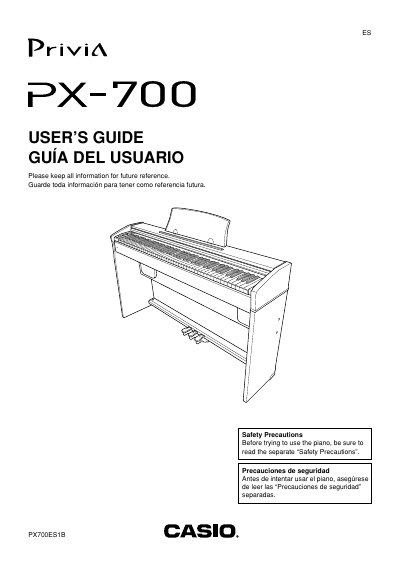
The Casio Privia PX-700 is a digital piano featuring 11 built-in tones, stereo sampling, and various performance controls. This guide explains how to power the unit using the specified AD-12 AC adaptor or batteries, connect headphones, and adjust volume settings safely.
Users can select from different tones such as Grand Piano, Acoustic Bass, and Strings, and customize the brilliance of each sound. The manual details procedures for layering two tones, assigning specific sounds to the left and right sides of the keyboard, and utilizing built-in effects like reverb and chorus.
| Number of built-in tones | 11 |
|---|---|
| Specified AC Adaptor model | AD-12 |
Hold down the FUNCTION button and press the START/STOP button at the same time to start sequential playback.
The manual specifies that you must use only the AD-12 AC adaptor to power the unit.
The piano comes with 11 built-in tones available for selection.