
This is a user's guide for the CASIO PX400R-ES-1 ES digital piano, providing safety precautions and instructions for use.
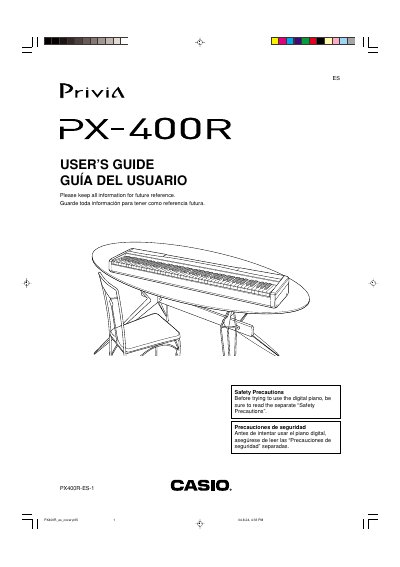
The Casio PX-400R is a digital piano featuring built-in tones, auto accompaniment, rhythm patterns, and registration memory. The manual details how to use the keyboard controls, including layering and splitting tones, using pedals, and adjusting volume settings.
Users can record their performances via free recording or song recording modes, overdub tracks, and save data to a Memory Card. The guide also explains connecting the piano to external devices like computers, amplifiers, and microphones for singing along.
| AC Adaptor Model | AD-12 |
|---|---|
| Document Part Number | PX400R-ES-1 |
You must use only the specified AC Adaptor AD-12.
Certain settings and memory contents are retained even when the digital piano is turned off.