
This is a user manual for an electronic piano. It includes safety instructions, connection instructions, keyboard instructions, sound, rhythm, melody instructions, song, recording, and editing instructions.
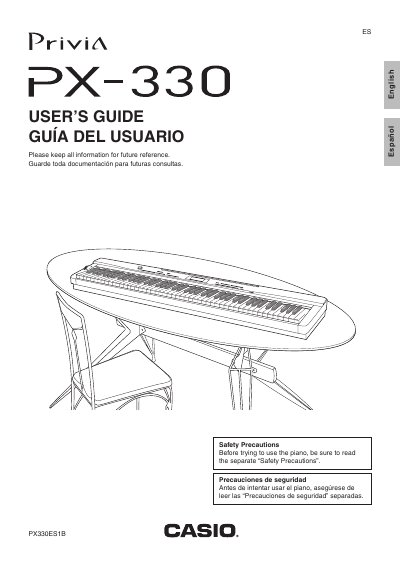
The Casio Privia PX-330 is a digital piano designed to replicate the sound of acoustic pianos. This manual covers essential operations such as turning the device on and off, selecting various tones like Grand Piano and Electric Piano, and utilizing built-in rhythms for accompaniment.
Users can customize their experience by layering or splitting tones, adjusting effects like reverb and chorus, and using the metronome. The guide also details how to record keyboard plays, save settings to a memory card, and connect the piano to external audio equipment or computers via MIDI.
| Model Number | PX-330 |
|---|---|
| Manufacturer | CASIO COMPUTER CO.,LTD. |
Turn off the Digital Piano, then while holding down both the TONE and FUNCTION buttons, press the POWER button.
You must use only the specified CASIO AD-A12150LW adaptor to avoid malfunction.