
The manual guides users on how to use the PX3ES1C ES piano, including safety precautions, how to connect power, how to use speakers, how to install a piano bench, and how to adjust the piano.
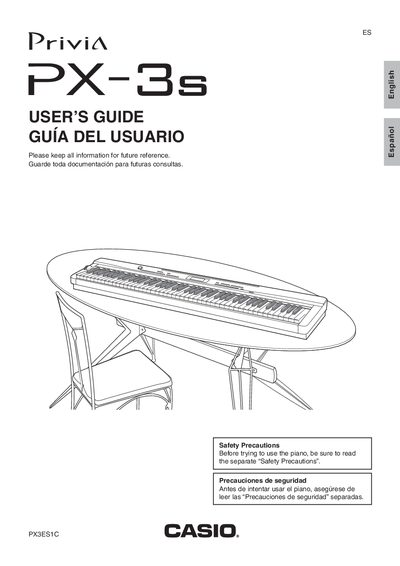
This manual provides instructions for operating the Casio Privia PX-3S digital piano. It covers initial setup steps such as installing the music stand and connecting power or accessories like headphones and pedals.
The guide details how to select and layer tones, apply DSP effects like reverb and chorus, and configure the four zones (Upper 1, Upper 2, Lower 1, Lower 2) for internal sound sources or external MIDI devices. It also explains using registration memory, playing back MIDI files, and connecting the piano to a computer.
| Number of Zones | four zones (UPPER 1, UPPER 2, LOWER 1, LOWER 2) |
|---|---|
| Total Parts | 36 parts |
You must read the separate 'Safety Precautions' document before trying to use the instrument.
The product is not intended for children under 3 years of age.
You must use only the CASIO AD-A12150LW adaptor to power the product.