
This product is PX100-ES-1 ES USER'S GUIDE GUÍA DEL USUARIO, a user guide that mainly introduces how to use the product, safety precautions and troubleshooting methods.
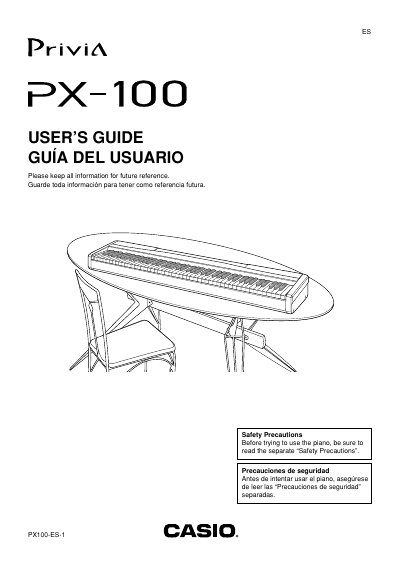
The Casio Privia PX-100 is a digital piano featuring eight built-in tones, four reverb effects, and four chorus effects. The manual explains how to power the unit using the specified AD-12 adaptor or household outlets, as well as connecting headphones and pedals.
Users can explore various functions such as playing back Music Library tunes, recording keyboard performance into Song Memory, and utilizing Auto Accompaniment. The guide also details how to assign different tones to the left and right sides of the keyboard and adjust settings like touch sensitivity and pitch.
| Built-in Tones | eight |
|---|---|
| Reverb Effects | four |
| Chorus Effects | four |
| Recommended AC Adaptor | AD-12 |
While holding down the MUSIC LIBRARY button, press the START/STOP button at the same time.
Yes, connect commercially available headphones to the digital piano's PHONES jacks to cut off the built-in speakers.
Press the SPLIT button, then select a tone for the lower keys using the TONE buttons.