
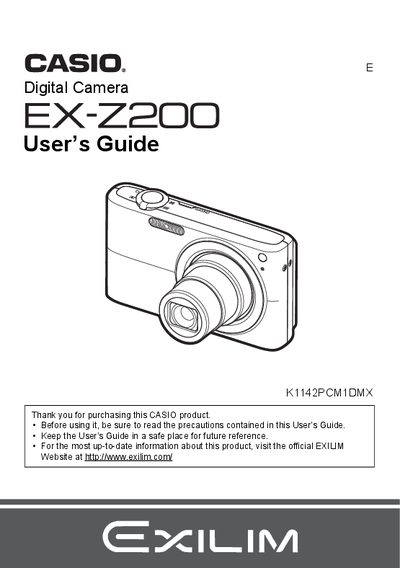
The Casio EX-Z200 is a digital camera that allows users to capture snapshots and record movies. The manual details how to charge the NP-40 battery, load memory cards, and configure initial settings such as language and date/time.
Key features include Face Recognition technology, Auto Shutter with smile detection, and various image quality adjustments like ISO sensitivity and white balance control. Users can also utilize BEST SHOT modes for specific scenes and transfer images to a computer via USB.
| Battery Type | Rechargeable lithium ion battery (NP-40) |
|---|---|
| Charger Unit Model | BC-31L |
The manual lists a section on 'Supported Memory Cards' but does not specify the exact types in the provided text.
You can format (initialize) a new memory card by following the instructions in the manual under 'To format (initialize) a new memory card'.
The liquid crystal panel provides a pixel yield in excess of 99.99%.