
This document provides the user's guide for a CASIO digital camera, including precautions before use, unpacking checklist, and a list of accessories included.
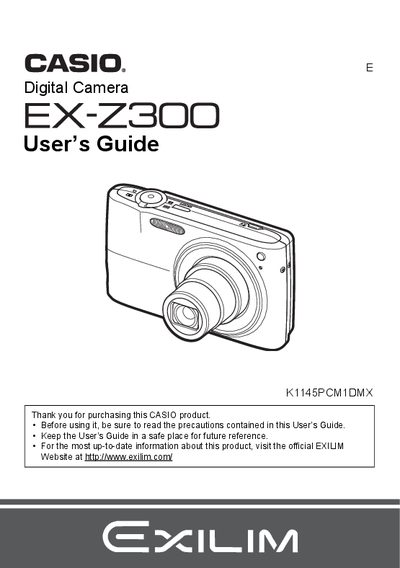
This manual provides instructions for using the Casio EX-Z300 digital camera. It covers initial setup steps such as charging the NP-40 battery and loading a memory card. The guide details how to operate the camera controls, including snapshot shooting with features like Face Recognition, Auto Shutter, and various zoom functions.
The package includes a rechargeable lithium ion battery (NP-40), a charger unit (BC-31L), a power cord, a USB cable, an AV cable, a CD-ROM, and a Basic Reference guide.
The liquid crystal panel of the monitor screen uses high-precision technology that provides a pixel yield in excess of 99.99%.
You should shoot a test shot to ensure that the camera is recording correctly.