
Casio EX-Z280 Digital Camera User's Guide

This is a product user manual
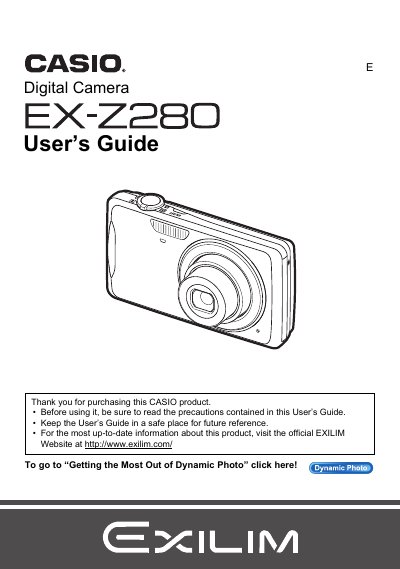

Casio EX-Z280 Digital Camera User's Guide - cover page
Brand
Casio
Category
Digital cameras
Document type
User Manual
Language
English
Pages
194
File format
PDF
File size
5.8 MB
Published
06 June, 2012
Updated
30 September, 2023
Model
EX-Z280
MD5 checksum
31DD030A60E5BA4E383E41F700A10895

About this manual

This document is the official User's Guide for the Casio EX-Z280 digital camera. It provides comprehensive instructions on unpacking the device, charging the NP-80 battery, and configuring initial settings such as memory card formatting and date/time. The guide details how to operate the camera in various modes including Snapshot, Movie recording, Dynamic Photo, and BEST SHOT.

What's inside

  • Unpacking
  • Charging the Battery
  • Configuring Basic Settings
  • Snapshot Shooting
  • Recording Movie Images
  • Using BEST SHOT
  • Advanced Settings
  • Viewing Snapshots and Movies
  • Dynamic Photo
  • Printing

Specifications

Battery TypeRechargeable lithium ion battery (NP-80)
Charger UnitBC-80L

Frequently asked questions

What is the model number of this Casio digital camera?

The model number is EX-Z280.

Where can I find more up-to-date information about this product?

You should visit the official EXILIM Website at http://www.exilim.com/.

What happens if I notice a small number of pixels that do not light or remain lit?

This is due to the characteristics of the liquid crystal panel and does not indicate a malfunction.

Download PDF (5.8 MB)

More Casio Manuals


View all Casio manuals →