
This User’s Guide is for K1145PCM2DMX Digital Camera and describes the features and characteristics of the product as well as how to use it.
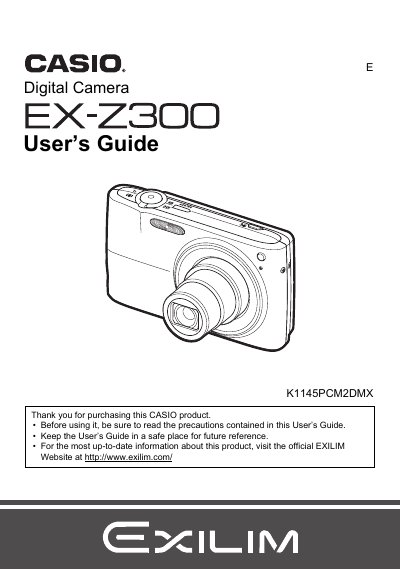
The Casio EX-Z300 is a compact digital camera designed for capturing snapshots and recording movies. This User's Guide explains how to unpack the device, charge the battery, and prepare memory cards before beginning use.
The manual details various shooting features including Auto Focus, Face Recognition, Continuous Shutter, and specific modes like Make-up and BEST SHOT. It also covers playback functions such as image review, slideshow creation, and editing tools available on the camera.
| Battery Type | Rechargeable lithium ion battery (NP-40) |
|---|---|
| Charger Unit Model | BC-31L |
The manual lists a section on Supported Memory Cards but does not specify the exact types in the provided text.
You can initialize a new memory card by following the instructions for formatting found in the manual.