
This document is a user guide for CASIO products, which introduces precautions before use, product packaging list, and product features and usage methods.
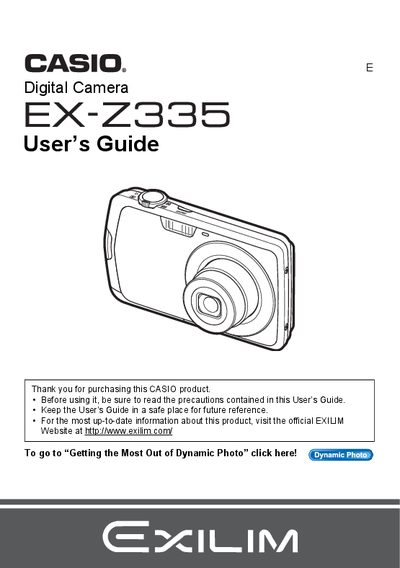
The document serves as a comprehensive User's Guide for the CASIO EX-Z3935 Digital Camera. It begins with unpacking instructions and safety precautions before guiding users through initial configuration, such as charging the NP-80 battery and formatting memory cards.
The guide details various shooting features including Snapshot mode, Movie recording, BEST SHOT scenes, Face Detection, and specialized modes like Make-up and Landscape. It also covers advanced settings for image quality, white balance, and ISO sensitivity, along with extensive instructions on viewing, editing, and printing images.
| Battery Type | Rechargeable lithium ion Digital camera battery (NP-80) |
|---|---|
| Charger Model | BC-81L |
The model number is EX-Z3935.
You can click the link to go to 'Getting the Most Out of Dynamic Photo' on page 1.
This is due to the characteristics of the liquid crystal panel and does not indicate a malfunction.