
This manual introduces the use of CASIO K1122PCM1DMX digital camera
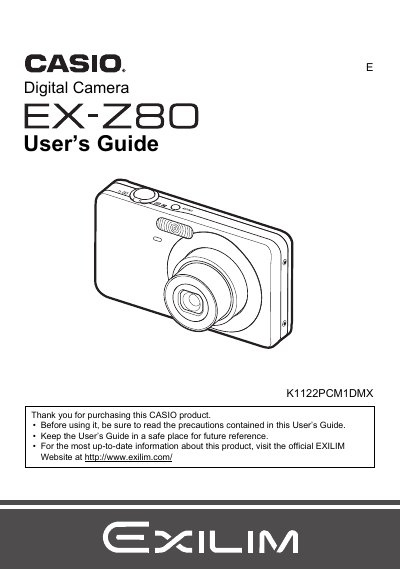
This manual provides instructions for using the CASIO EX-Z80 digital camera. It covers unpacking the device, charging the NP-60 battery, and preparing a memory card. The guide details how to shoot snapshots and movies, utilize features like Face Recognition and BEST SHOT, and adjust settings such as ISO sensitivity and white balance.
The document also explains how to view images on the camera's LCD or connect to a TV screen. It includes sections on editing movies, printing photos using DPOF, transferring files to Windows and Macintosh computers, and troubleshooting common issues.
| Battery Type | Rechargeable lithium ion battery (NP-60) |
|---|---|
| Charger Unit | BC-60L |
The manual lists a section on Supported Memory Cards but does not specify the exact types in the provided text.
Use the included Charger unit (BC-60L) and power cord to recharge the NP-60 lithium ion battery before use.