
This document is the user manual for CASIO EXILIM K1140PCM1DMX digital camera.
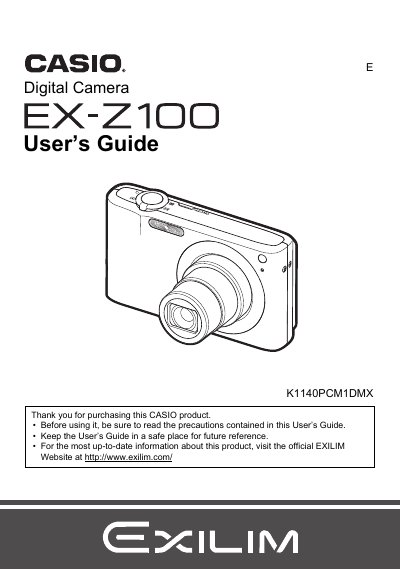
This manual provides instructions for using the Casio EX-Z100 digital camera. It covers unpacking the device, charging the NP-40 battery, and preparing a memory card. The guide details snapshot and movie recording features, including face recognition, auto shutter, and various scene modes like BEST SHOT.
| Battery Type | Rechargeable lithium ion battery (NP-40) |
|---|---|
| Charger Unit | BC-31L |
The manual lists a section on Supported Memory Cards but does not specify the types in the provided text.
The package includes a rechargeable lithium ion battery (NP-40), a digital camera, a charger unit (BC-31L), a strap, a power cord, a USB cable, an AV cable, a CD-ROM with Basic Reference software, and this User's Guide.
The liquid crystal panel provides a pixel yield in excess of 99.99%.
Some very small number of pixels may not light or may remain lit at all times due to the characteristics of the liquid crystal panel, and this does not indicate malfunction.