
This document is the CP9550 User Manual, which describes the features and usage instructions of the tool.
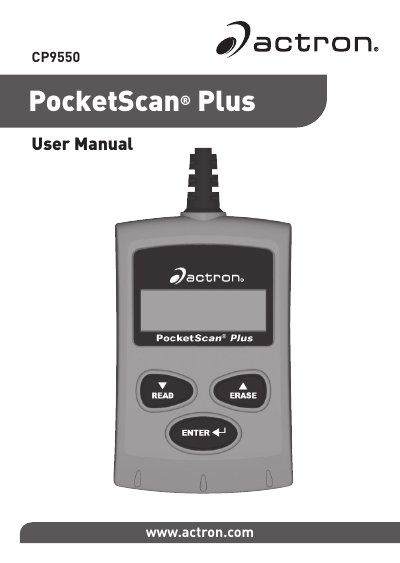
The Actron CP9550 PocketScan Plus is a diagnostic tool designed to allow users to read and erase/reset diagnostic data from vehicle control modules. It supports viewing various code types, including Diagnostic Trouble Codes (DTCs) and Pending Codes, as well as MIL Status, I/M Monitors, Freeze Frame Data, and VIN information.
| Display Type | Dual-line LCD display |
|---|---|
| Supported Codes | Diagnostic Trouble codes and Pending Codes |
Press and hold the READ key for 2 seconds then release it.
Pending Codes are only reported if a problem occurs during the current or last completed drive cycle.
Set ignition to Key On, press and hold the ERASE key for 3 seconds, then release. When confirmation appears, hold it for 3 more seconds.