
This manual contains detailed instructions and notes on the operation and use of this machine. For your safety and benefit, read this manual carefully before using the machine. Keep this manual in a handy place for quick reference.
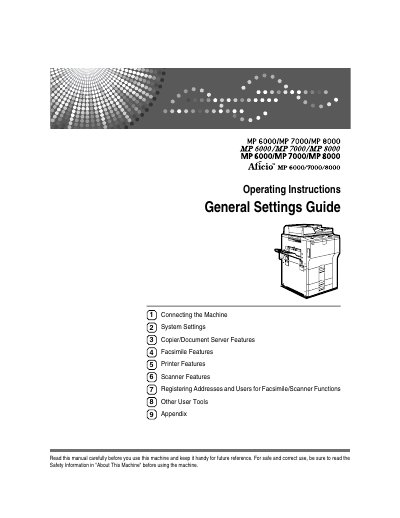
This manual provides step‑by‑step instructions for setting up the Ricoh MP 6000, MP 7000, and MP 8000 multifunction devices. It covers connecting the machine to Ethernet, USB, and wireless networks, as well as configuring system settings, security options, and user tools.
The guide also details the features of each function area—copier/document server, facsimile, printer, and scanner—plus instructions for managing address books, user codes, and protection codes. Appendices list installed software and trademark information.
The security settings are in the Security Reference section of the manual.
Refer to the Changing Default Settings section in the manual.