
This reference guide provides an overview of the basic functions and usage of the Ricoh MP 5001 copier.
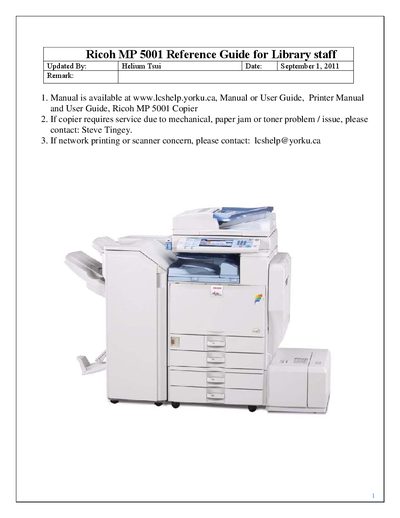
This guide explains how to operate the Ricoh MP 5001 multifunction copier, covering mode selection, basic copy features, paper handling, finishing options, and printing settings. It also includes detailed scanning procedures for saving files to network folders.
The document is organized by functional sections such as Changing Modes, Basic Copy Features, Paper Selection, Finishing, Print Features, and Basic Scanning to Folder Features, offering step‑by‑step instructions and screen‑shot references.
| Scanning resolution | 300 DPI |
|---|---|
| Print speed | 50 ppm |
Press the ‘Copy’ button on the left side of the control panel, place the original on the glass or in the automatic document feeder, set the desired options, enter the number of copies, and press ‘Start’.