
This is a reference manual for NETGEAR, Inc.'s WGR614 wireless router
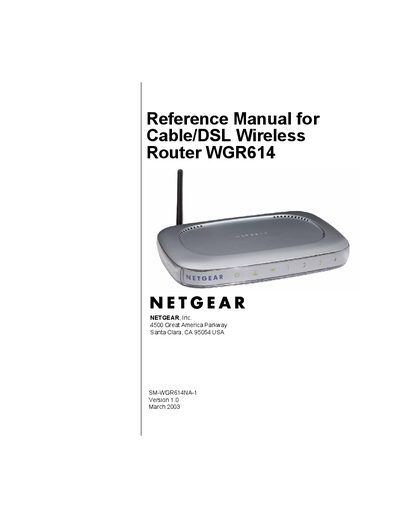
This reference manual covers all aspects of the Netgear WGR614 Cable/DSL Wireless Router, including hardware overview, installation, and detailed configuration steps for wired and wireless networking. It also contains safety, FCC compliance, and regulatory information.
Key sections guide users through connecting the router to the Internet, configuring wireless security, managing content filtering, performing maintenance, upgrading firmware, and troubleshooting common issues. Appendices provide technical specifications and additional networking concepts.
Reorient or relocate the receiving antenna, increase the separation between the equipment and the receiver, connect the equipment to a different circuit, or consult a radio/TV technician.
The router should be installed and operated with at least a 20‑centimeter distance between the radiator and the body.
Navigate to the Administration section of the web interface and select the option to change the administrator password.