
SHARKOON usb LANPort 400 is a 4-port USB server that can connect any USB device to a local network. It features a sleek design, LED power indicator, and reset button. It supports Windows XP/Vista/7 (32-bit/64-bit) operating systems.
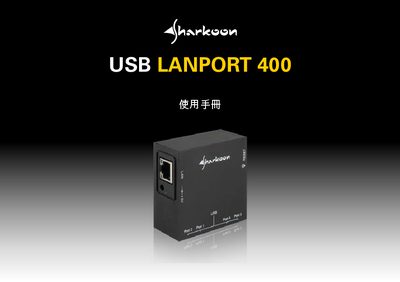
The USB LANPort 400 is a 4‑port USB server that lets any USB device be shared over a Gigabit Ethernet network. It includes LED indicators, a reset button, and supports Windows XP/Vista/7 (32‑/64‑bit).\n\nThe manual covers product features, accessories, hardware setup, software installation, the Windows interface, web‑based configuration, disconnect procedures, safety notices, and example usage scenarios for both single‑user and multi‑user environments. This manual is written in Chinese.
| Number of USB ports | 4 (USB 2.0) |
|---|---|
| Ethernet port | 1 Gigabit RJ‑45 |
| Supported USB devices | Any USB device (e.g., flash drive, printer, external HDD) |
| Supported operating systems | Windows XP, Vista, 7 (32‑/64‑bit) |
| Power input | 5 V DC |
| LED indicators | Power LED and reset button |
| Network speed | 1 GBit/s |
Open the web interface, disable "Use DHCP", enter the desired IP address and subnet mask, then save the settings.