
Installation guide for Solytech USB 3.0 PCI‑E and Express expansion cards, covering hardware setup and driver installation steps.
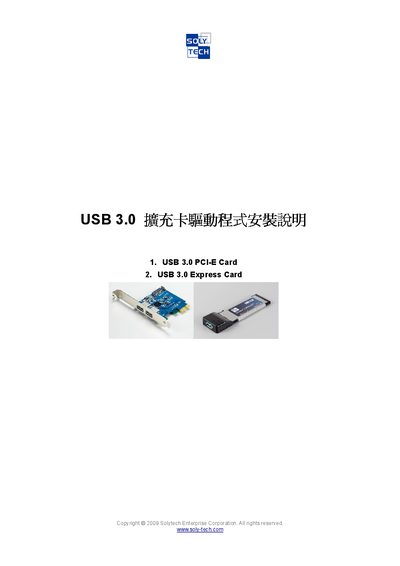
The Solytech USB 3.0 PCI‑E and Express Cards provide high‑speed USB connectivity for desktop computers. The cards fit standard PCI‑E slots or 54 mm Express Card slots and require a SATA power connection.
The manual walks users through inserting the card, connecting power, and installing the NEC 3.0 driver from the supplied CD. It includes step‑by‑step screenshots, license agreement acceptance, and final installation confirmation. This manual is written in Chinese.
| Interface | PCI‑E |
|---|---|
| Form factor | 34 mm height, fits 54 mm Express Card slot |
| Power connection | SATA power cable |
Insert the card into the appropriate PCI‑E or Express Card slot, connect the SATA power cable, power on the computer and wait about two minutes before installing the driver.
Run the driver CD, select the “NECEL‑USB3‑Host‑Driver”, accept the license agreement, choose the installation folder, and click Install until the process finishes.