
This is a user manual for Avaya 9640 IP Telephone
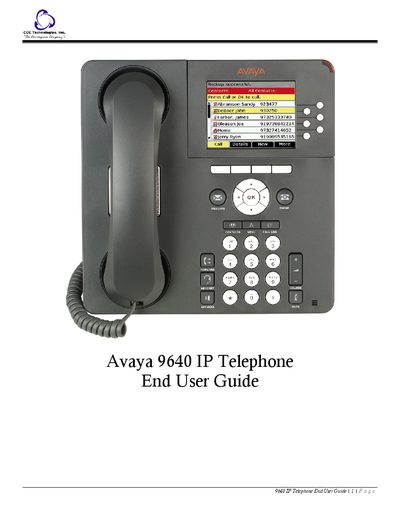
This guide introduces the Avaya 9640 IP Telephone, describing its screen, call log, contacts list, integrated WML browser, and other core functions. It explains how to use the six line buttons, softkeys, and navigation arrows to access menus and features.
The manual covers the Avaya Menu, Options & Settings, Features Menu, and detailed procedures for answering, making, holding, transferring, and conferencing calls. It also includes troubleshooting tips, tone descriptions, and a glossary of terms.
| Line buttons with LEDs | Six |
|---|---|
| Maximum contacts saved | 250 |
Lift the handset, press the line button next to the incoming call, press Speaker, or press Headset; if on another call, select the incoming line and press Answer or OK.
Dial the number directly, or press the line button, lift the handset, or use the Contacts list to select a person and then press Call or OK.
From the main Phone screen, select the line you want to hold and press the Hold softkey; to retrieve the call, press Resume.
The phone can store up to 250 names and telephone numbers.