
The Avaya B109 User Guide provides setup, operation, and maintenance instructions for the B109 conference unit.
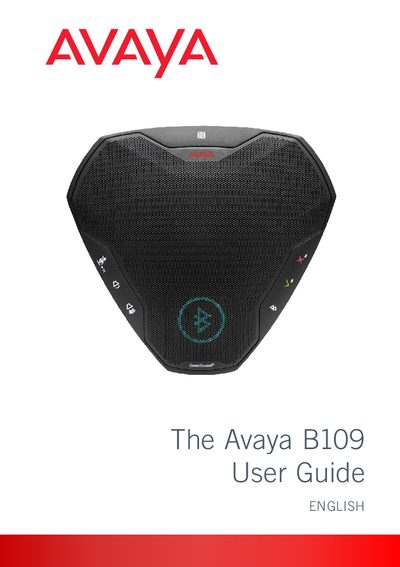
This guide introduces the Avaya B109 conference unit, describing its OmniSound® audio technology, LCD display, Bluetooth and USB connectivity, and battery operation. It also covers regulatory compliance and warranty information.
The manual details how to connect the device to computers, mobile phones, and Bluetooth accessories, explains keypad functions, headset usage, software upgrades, and provides technical data and maintenance tips.
| Bluetooth frequency range | 2412-2472 MHz |
|---|---|
| Transmit power | 10 dBm |
Hold down for five seconds to clear the list of paired devices on the Avaya B109.
Hold down for five seconds to disable the keypad tone on the Avaya B109.
Install the Avaya Upgrade Utility and follow the on‑screen instructions to upgrade the software.