
The Avaya 4610SW IP telephone is an innovative telephone that gives you access to the World Wide Web while offering the latest features and applications. The display area allows up to six application-specific buttons to be presented and labeled at one time. Additionally, six Line/Feature buttons and four softkeys provide access to powerful features.
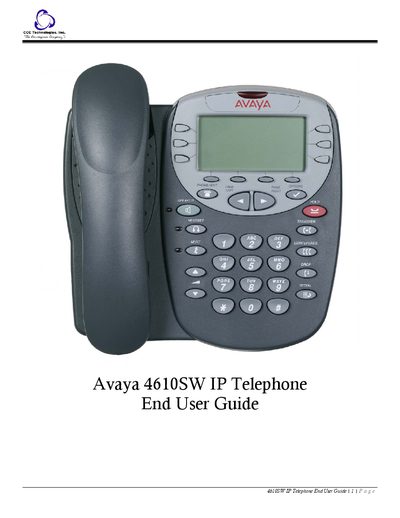
The 4610SW IP telephone is an innovative IP phone that offers web access, speed dialing, call log, and a WML browser. It features six line/feature buttons, four softkeys, a built‑in speakerphone, and optional headset and stand accessories.
The guide explains how to navigate the phone's applications—Phone, Speed Dial, Call Log, and Web Access—using softkeys and line/feature buttons, how to adjust settings via the Options menu, and how to troubleshoot common issues such as call handling and display icons.
Use the Volume Control button; it adjusts the handset, speaker, headset, or ringer volume and shows an icon with a volume meter.
Open the Web Access application, which lets you browse corporate intranet sites and the World Wide Web on the phone’s small display.
Press the Hold button (red button) to place the current call on hold.