
This document describes the steps for installing the AXIS 250S Blade Rack Solution.
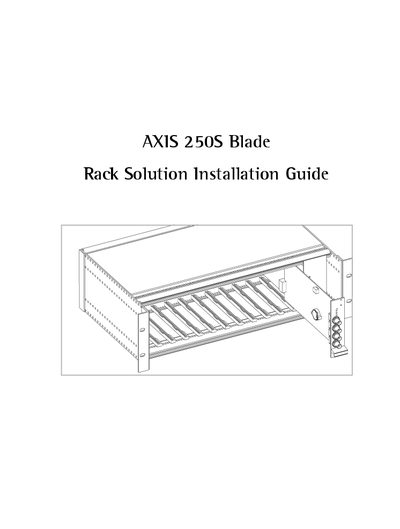
This guide provides step‑by‑step instructions for installing the Axis 250S Blade video server into the Axis Rack Mounted Video Server Solution. It includes hardware inventory, connector details, power and network wiring, and safety considerations.
The document also lists technical specifications such as rack dimensions, power input, operating temperature, and regulatory approvals, and it references the Axis 250S Video Server User's Manual for additional configuration details.
| Rack Height | 52" (13.2 cm) |
|---|---|
| Rack Weight | 7.3 lb (3.3 kg) |
| Video Server Height | 1.2" (3.1 cm) |
| Video Server Width | 5.1" (12.9 cm) |
| Video Server Length | 10.0" (25.5 cm) |
| Video Server Weight | 0.5 lb (0.23 kg) |
| Input Power | 100‑240 VAC, 50‑60 Hz, 1.6 A |
| Operating Temperature | 40 °F to 125 °F (5 °C to 50 °C) |
| Operating Humidity | 20 %‑80 % RH |
| Battery Type | 3.0 V CR2032 Lithium |
| Maximum Rack Capacity | 12 video servers |
It uses a 3.0 V CR2032 Lithium battery to power the internal real‑time clock.
The rack can hold up to 12 rack‑mounted Axis video servers.
The power input is 100‑240 VAC, 50‑60 Hz, drawing up to 1.6 A.