
This manual describes how to install Axis Rack Mounted Video Server Solution on your network, including installing the video server, configuring network settings, connecting cameras, configuring video encoding and storage, etc.
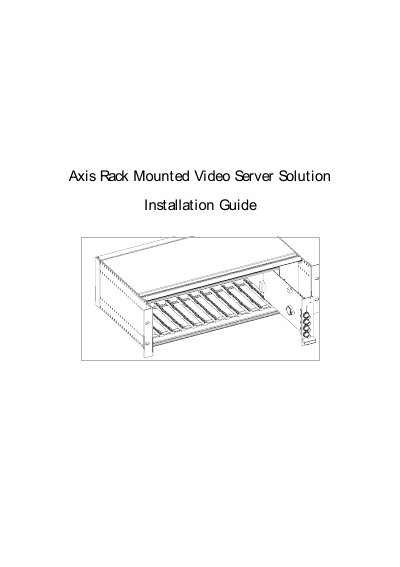
This document provides step‑by‑step instructions for installing the Axis Rack Mounted Video Server Solution. It supplements the main Video Server Administration Manual and explains how to mount the rack, connect power, network and I/O, and configure the Blade video servers.
Key topics include hardware inventory, indicator functions, DIP‑switch termination settings, I/O terminal block connections, and safety approvals. The guide also details the dimensions, power requirements and environmental limits of the rack and video servers.
| Rack Height | 5.2" (13.2 cm) |
|---|---|
| Rack Width | 19.0" (48.2 cm) |
| Rack Length | 11.8" (30.0 cm) |
| Rack Weight | 7.3 lb (3.3 kg) |
| Video Server Height | 1.2" (3.1 cm) |
| Video Server Width | 5.1" (12.9 cm) |
| Video Server Length | 10.0" (25.5 cm) |
| Video Server Weight | 0.5 lb (0.23 kg) |
| Power Input | 100‑240 VAC, 50‑60 Hz, 1.6 A |
| Operating Temperature | 40 °F to 125 °F (5 °C to 50 °C) |
The rack can accommodate up to 12 rack‑mounted Axis Video Servers (Blade Servers).