
The SCM262E stereo mixer is designed for applications that require both microphones and consumer-grade stereo products. The unit includes two active balanced microphone inputs and three unbalanced stereo auxiliary-level inputs.
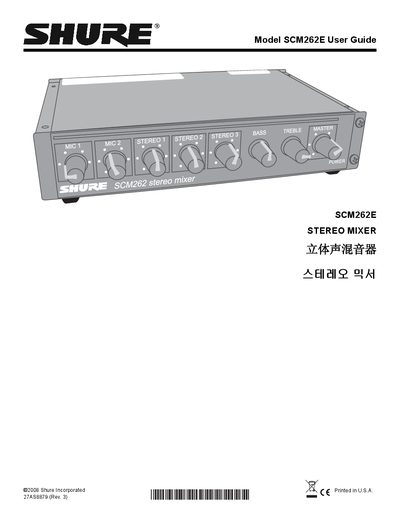
The Shure SCM262E is a half‑rack stereo mixer designed for paging and background‑music applications. It provides two active‑balanced XLR microphone inputs, three stereo aux inputs, and balanced/unbalanced outputs with tone controls.
The guide details front‑panel controls, rear‑panel connections, DIP‑switch settings for ducking, phantom power, and jukebox mute, as well as installation options and internal modification procedures.
| Power Supply Voltage | 100‑120 Vac (SCM262) or 220‑240 Vac (SCM262E) |
|---|---|
| Phantom Power | 12 V for condenser microphones |
| Stereo Inputs | Three stereo input channels |
| Airborne Noise Level | ≤ 70 dB(A) |
The unit has no power switch; unplug the power cord or use an external power strip with a switch.
When ducking is on, the mixer automatically lowers the gain of all stereo inputs while a microphone is active.
Set DIP switch 7 to the down position to activate the 12 V phantom power source.