
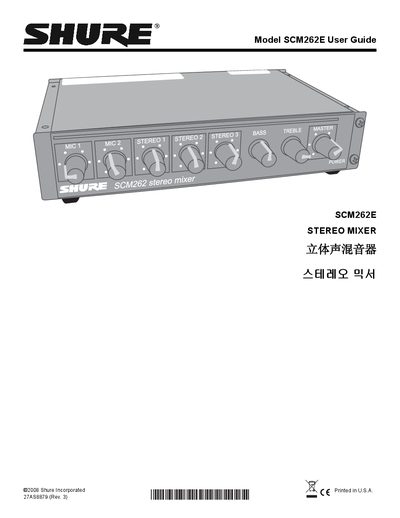
This guide covers the Shure SCM262E stereo mixer, a half‑rack unit designed for paging and background music integration in venues such as restaurants, classrooms, and gyms. It describes the mixer’s active‑balanced microphone inputs, stereo aux inputs, tone controls, ducking and jukebox mute functions, and power requirements.
Installation options include rack‑mount, stand‑alone, and fixed mounting with supplied hardware. The manual explains wiring, DIP‑switch settings for ducking, jukebox mute, and phantom power, as well as internal modification procedures, specifications, replacement parts, and service contact information.
| Operating Voltage (SCM262) | 100–120 Vac, 50/60 Hz |
|---|---|
| Operating Voltage (SCM262E) | 220–240 Vac, 50/60 Hz |
| Frequency Response (MIC/LINE) | 150 Hz – 20 kHz ±2 dB |
| Frequency Response (AUX) | 20 Hz – 20 kHz ±2 dB |
| Total Harmonic Distortion | <0.25 % at +4 dBu |
| Overall Dimensions | 43 × 218 × 162 mm |
| Net Weight | 1.1 kg |
Set DIP switch 3 (for mic 1) or DIP switch 4 (for mic 2) to the down position to activate ducking for the selected microphone channel.
The SCM262E operates from 220–240 Vac at 50/60 Hz and draws about 30 mA.