
The Shure AXT630 manual provides installation, configuration, specifications, and troubleshooting for the antenna distribution system.
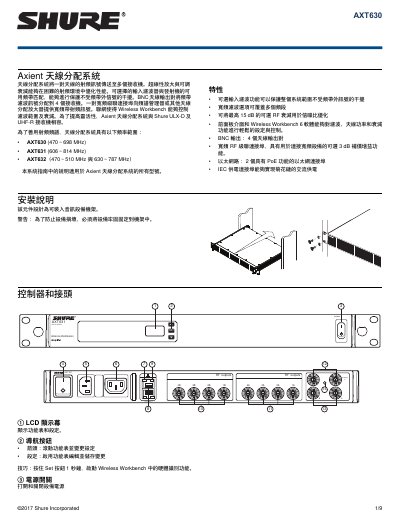
The Shure AXT630 antenna distribution system routes a pair of antenna RF signals to multiple receivers, offering selectable input filters, adjustable RF gain, and cascade ports. The unit can be mounted in audio racks and includes Ethernet, PoE, and BNC outputs for flexible integration.
The guide covers hardware installation (fixed front‑panel or remote antennas), network setup, RF gain and attenuation adjustment, cascade operation, firmware updates, and safety certifications. Detailed specifications, accessory lists, and troubleshooting steps are provided for field technicians and end users. This manual is written in Chinese.
| Dimensions (H×W×D) | 44 mm × 483 mm × 366 mm (1.7 in × 19.0 in × 14.4 in) |
|---|---|
| Weight | 4.6 kg (10.1 lb) |
| Power requirement | 100 V–240 V AC, 50‑60 Hz |
| Operating temperature range | -18 °C to 63 °C |
| Storage temperature range | -29 °C to 74 °C |
| RF input frequency range (AXT630) | 470 MHz–698 MHz |
| RF gain/attenuation range (cascade enabled) | -15 dB to 0 dB (1 dB steps) |
| RF gain/attenuation range (cascade disabled) | -12 dB to +3 dB (1 dB steps) |
| Ethernet ports | 2 PoE‑enabled ports |
| BNC antenna outputs | 4 |
| Insertion loss | <5 dB |
The two Ethernet ports are PoE Class 1 by default; simply connect the ports to a PoE‑capable switch to activate remote control and monitoring.
Open the Wireless Workbench 6 software, launch the Firmware Update Manager, and upload the new firmware file to the device.