
Key facts
- Brand
- Shure
- Model
- SCM262E
- Documents
- 2
- Languages
- EN
- Last added
- 2011-09-17
Start here
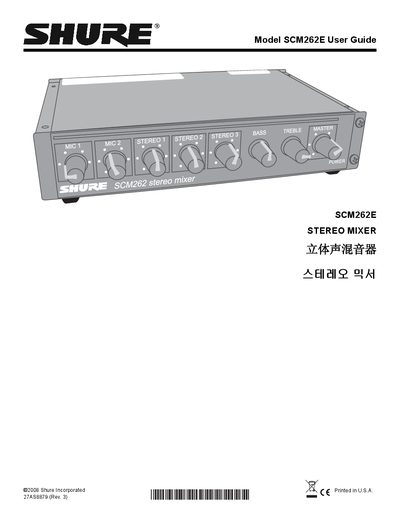
Shure SCM262E Stereo Mixer User Guide
The Shure SCM262E is a half‑rack stereo mixer designed for paging and background‑music applications. It provides two active‑balanced XLR microphone inputs, three stereo aux inputs, and balanced/unbalanced outputs with tone controls.
The guide details front‑panel controls, rear‑panel connections, DIP‑switch settings for ducking, phantom power, and jukebox mute, as well as installation options and internal modification procedures.
Shure SCM262E specifications
| Operating Voltage (SCM262) | 100–120 Vac, 50/60 Hz |
|---|---|
| Operating Voltage (SCM262E) | 220–240 Vac, 50/60 Hz |
| Frequency Response (MIC/LINE) | 150 Hz – 20 kHz ±2 dB |
| Frequency Response (AUX) | 20 Hz – 20 kHz ±2 dB |
| Total Harmonic Distortion | <0.25 % at +4 dBu |
| Overall Dimensions | 43 × 218 × 162 mm |
| Net Weight | 1.1 kg |
All Shure SCM262E documents by type
Day-to-day operation, settings and troubleshooting. Start here if the product is already set up.
Questions answered in these manuals
How can I enable the ducking function?
Set DIP switch 3 (for mic 1) or DIP switch 4 (for mic 2) to the down position to activate ducking for the selected microphone channel.
What power supply does the SCM262E require?
The SCM262E operates from 220–240 Vac at 50/60 Hz and draws about 30 mA.
How do you turn off the SCM262E?
The unit has no power switch; unplug the power cord or use an external power strip with a switch.
What does the ducking function do?
When ducking is on, the mixer automatically lowers the gain of all stereo inputs while a microphone is active.