
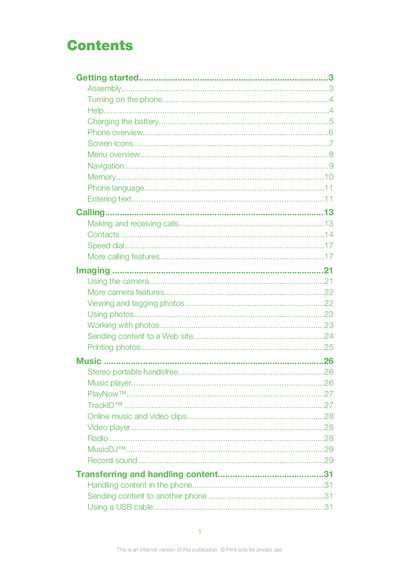
This document introduces the usage methods and features of a mobile phone, including assembly, turning on, charging, screen icons, menu, navigation, camera, music, messaging, internet, synchronization, etc.
This guide walks you through the initial setup of the Sony Ericsson Naite, including inserting the SIM card and battery, turning the device on, and entering your PIN. It also explains the standby view, basic call functions and how to access help directly on the phone.
The manual details the phone’s menus and features such as messaging, music playback, camera operation, Bluetooth connectivity, web browsing, and battery charging. It includes icon descriptions, menu navigation tips, and information on additional services like PlayNow™ and TrackID™.
| Charging time | Approximately 2.5 hours |
|---|
Remove the battery cover and slide the SIM card into its holder with the gold‑coloured contacts facing down.
Charging the battery takes about 2.5 hours to reach full capacity.
Press and hold down the power key (shown as @) to power on the device.