
This document is a FCC certification statement for mobile phones, including model, brand, FCC certification information and other information
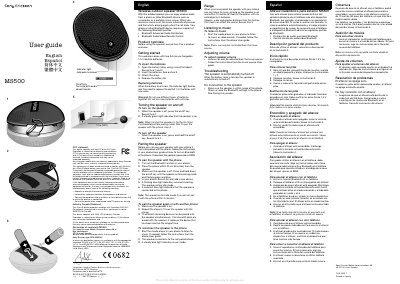
This guide covers safety information, FCC and Industry Canada statements, and the declaration of conformity for the MS500 wireless outdoor speaker. It explains how to install the two AA 1.5 V alkaline batteries, turn the speaker on and off, and understand the indicator lights.
The manual details Bluetooth pairing steps, range limits, volume control, and troubleshooting tips such as low‑battery warnings and connection issues. It also lists the supported Bluetooth profiles and provides recycling information for the product.
| Battery type | Two AA 1.5 V alkaline (non‑rechargeable) |
|---|---|
| Maximum range | 10 m (33 ft) from the phone |
| Indicator lights | Green steady = on, flashing red = low battery, flashing blue = pairing, steady blue = connected |
Turn on Bluetooth on the phone, press and hold the on/off key until the speaker flashes green and blue, then select the device and enter passcode 0000 if prompted.
A flashing red light indicates the battery level is low and the AA batteries need to be replaced.
The speaker works up to 10 metres (33 feet) from the phone, provided there are no solid obstacles.
If a passcode is requested, use 0000.