
This is a summary of the Sony Ericsson phone user manual, which mainly introduces the assembly, functions and usage methods of the phone
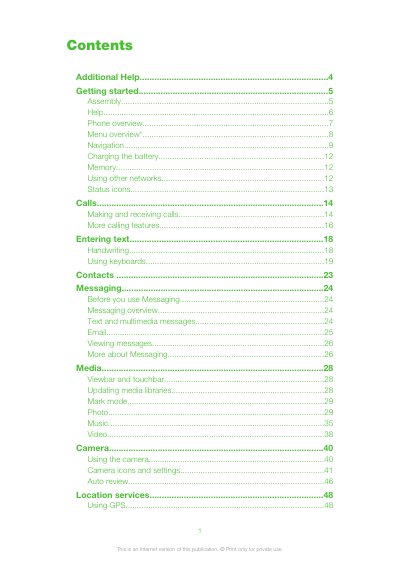
This guide walks you through the basic setup of the Sony Ericsson Satio, including inserting the SIM card and battery, turning the device on, and navigating the main menus. It also covers essential functions such as making calls, sending messages, using the camera, and accessing location services.
Additional sections provide detailed troubleshooting tips, legal information, and instructions for updating the phone software via Sony Ericsson PC Suite. The document is organized with a table of contents, step‑by‑step procedures, and helpful screenshots to assist both new and experienced users.
Remove the battery cover, pull out the SIM card holder, place the SIM card with the gold contacts facing down, and push the holder back into place.
The SIM card becomes blocked and you will need to obtain an unblocking code from your network operator.
Press and hold down the power key (①) to power up the device.