
This document is Leica 3D Disto User Manual, which mainly introduces the product's usage methods
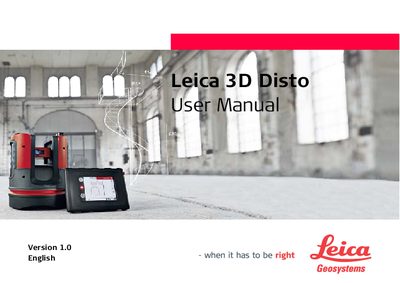
This manual introduces the Leica 3D Disto, outlines important safety symbols and directions, and explains how to register the device using the serial number found on the data label. It also details the contents of the product package, the instrument components, and the power supply options.
Further sections cover the user interface of the control unit and remote, step‑by‑step setup, measurement workflows, software applications, error messages, and maintenance procedures such as theft protection, care, transport, and warranty information.
The serial number is indicated on the data label of the device and should be entered in the manual for dealer contact or registration in the Leica MyWorld portal.