
This document is a quick start guide for Leica TPS1200
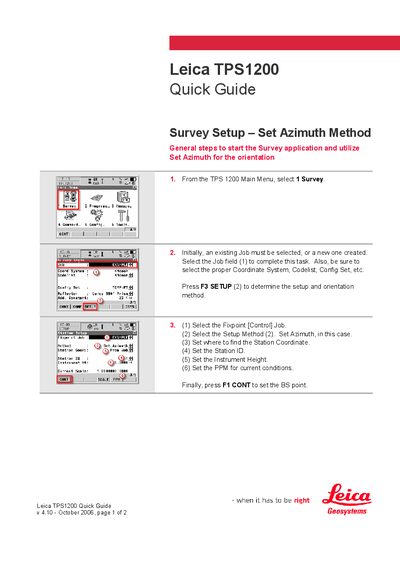
The Quick Guide walks the user through the Survey Setup – Set Azimuth method. It starts with selecting Survey from the main menu, choosing or creating a Job, and configuring the coordinate system, code list, and other settings.
The guide then details the steps to set the azimuth, station ID, instrument height, and PPM, followed by selecting the BS point, reflector height, and confirming the setup. After completing these steps the user is ready to begin surveying.
Press F3 SETUP, select the Setup Method, and choose Set Azimuth.
Enter the BS point ID, reflector height, point at the BS point, set the azimuth, then press F1 SET.