
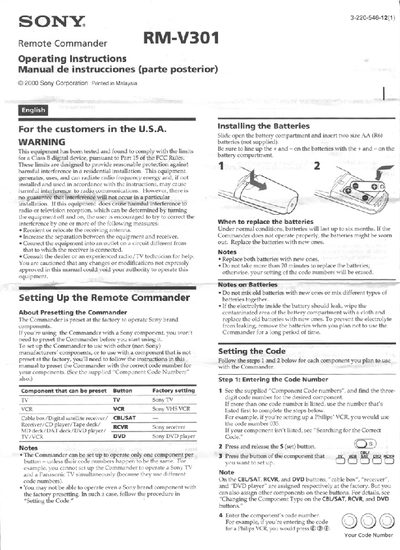
This manual explains how to set up the Sony RM‑V301 Remote Commander, including factory preset information, battery installation, and code programming for Sony and non‑Sony components. It also covers volume control settings, macro programming, and button descriptions.
Additional sections cover troubleshooting steps, FCC interference warnings, and customer support details, ensuring users can resolve common issues and maintain proper operation of the remote.
| Power requirements | Two size AA (R6) batteries (not supplied) |
|---|---|
| Battery life | Approx. 6 months |
| Dimensions | 61 x 191 x 30 mm (w/h/d) |
Open the battery compartment, insert two AA (R6) batteries with correct polarity, and replace both batteries within about 20 minutes to avoid erasing stored codes.
Press the set button, select the component button, enter the three‑digit code from the supplied list, and store it with the ENT button; if the component is not listed, use the searching method to find the correct code.
Try reorienting or relocating the receiving antenna, increase the distance between the remote and the receiver, connect the remote to a different outlet, or consult a radio/TV technician.