
This document provides the user manual of Sony Ericsson Xperia X10 phone, introduces the basic use methods, functions and detailed instructions of each setting.
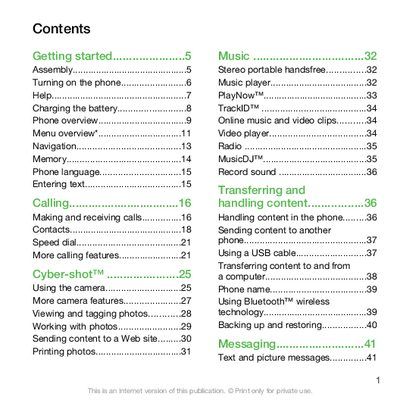
This guide covers the basic operation of the Sony Ericsson C901 mobile phone, including turning the device on, inserting the SIM card, and navigating the main menu. It also explains how to use core functions such as making calls, sending messages, and managing contacts.
Additional sections describe multimedia features like the camera, music player, and video playback, as well as connectivity options such as Bluetooth and USB. Battery charging, power‑saving settings, and troubleshooting tips are also included to help users get the most out of their device.
Unlock the battery cover, remove it, and slide the SIM card into its holder with the gold‑coloured contacts facing down.
Insert the battery, then press and hold the power key to start the device and follow the setup wizard.
It takes approximately 2.5 hours to fully charge the battery.