
This document is a user guide for the Sony Ericsson K550i mobile phone, which mainly introduces the phone's functions, features, and usage methods
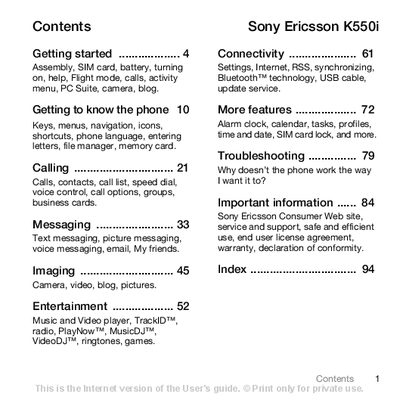
This manual covers the Sony Ericsson K550i mobile phone, detailing how to assemble the device, insert the SIM card and battery, and perform the initial setup. It guides users through basic functions such as making calls, sending messages, using the camera, and accessing entertainment features.
Additional sections explain connectivity options like Bluetooth and USB, describe advanced settings, and provide troubleshooting tips and safety information. The document also includes a quick reference to the phone's menu navigation and a list of supported services.
| GSM bands | 850/900/1800/1800 |
|---|
Slide the SIM card into its holder with the contacts facing down.
Connect the charger plug to the phone, wait for the battery icon, then wait about 2.5 hours until fully charged.