
The Jabra CRUISER2 Bluetooth® in-car speakerphone makes hands-free in-car calls even easier.
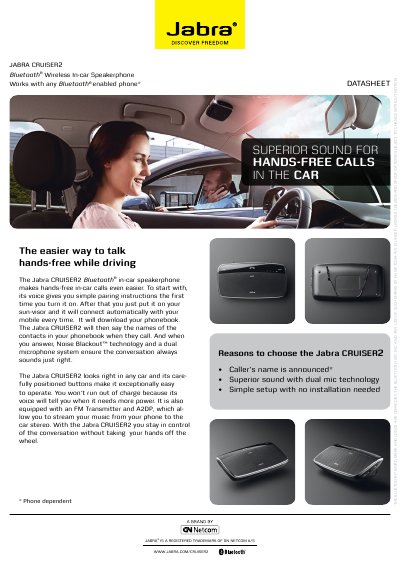
The Jabra CRUISER2 is a Bluetooth in‑car speakerphone that provides hands‑free calling, voice‑guided pairing, dual‑mic Noise Blackout™ technology, and FM/A2DP music streaming.
The guide shows how to charge the unit, turn it on, pair with a phone using PIN 0000, attach it to the sun‑visor, and operate the answer/end, volume, mute, and FM buttons.
| Bluetooth version | 2.1 + EDR & eSCo |
|---|---|
| Talk time | Up to 14 hours |
| Standby time | Up to 13 days |
Turn on the CRUISER2; it will automatically enter pairing mode, activate Bluetooth on your phone, confirm the PIN code 0000, and the phone will confirm when pairing is complete.
Connect the supplied USB charging cable to the charging port (or use the cigarette‑lighter adapter) and charge until the Battery Status Icon turns green.
Tap the answer/end button on the speakerphone to answer a call; tap it again to end the call.