
This document is the user manual for Bluetooth® Stereo USB Adaptor, providing application setup and user's guide for the product.
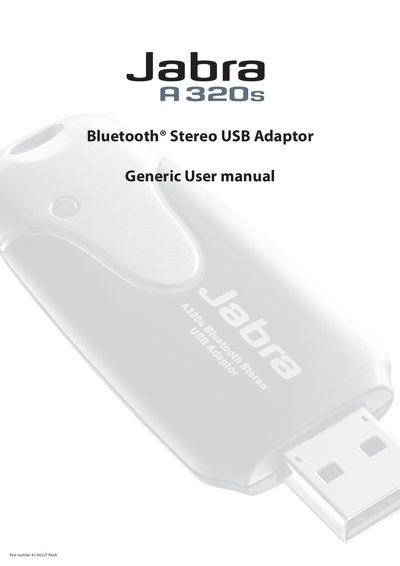
This manual covers everything you need to get the Jabra AS20s Bluetooth USB adaptor up and running. It includes an introduction to Bluetooth technology, a list of items included in the package, and step‑by‑step instructions for installing the dongle and software on supported Windows operating systems.
Later sections describe how to use the Bluetooth tray icon, configure services such as audio gateway and file transfer, manage security settings, and troubleshoot common problems. Warranty and technical support information are also provided.
| Part number | 81-00227 RevA |
|---|---|
| Supported operating systems | Windows 98SE, Windows Me, Windows 2000, Windows XP Professional, Windows XP Home |
The package contains a Quick Installation Guide, the Bluetooth USB dongle, a CD‑ROM with software and documentation, and an optional USB extension cable.
The adaptor supports Windows 98SE, Windows Me, Windows 2000, Windows XP Professional and Windows XP Home Edition.
Use the Bluetooth tray icon to open My Bluetooth Places, the Bluetooth Setup Wizard, or the Bluetooth Configuration Panel.