
This user guide introduces the features and usage of the Kodak EasyShare printer dock series 3.
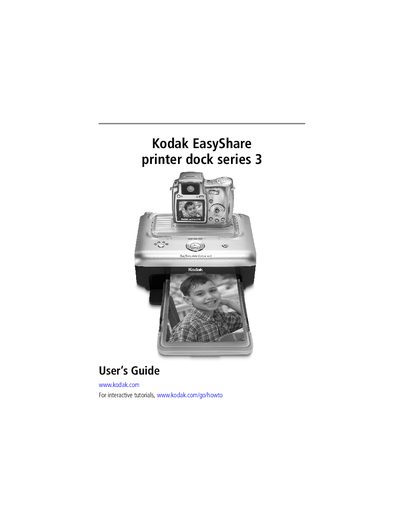
This guide walks you through getting started with the Kodak EasyShare Printer Dock Series 3, including placement, power connection, and loading paper. It also covers installing the custom camera insert and using the dock with a computer or compatible devices.
Later sections describe printing options, software installation, care and maintenance, troubleshooting common issues, and where to find additional help and warranty information.
Use the custom insert that came with your digital camera, locate it, snap it into the slots toward the back of the dock, and press it down until it clicks into place.
The printer dock uses a DC‑in power connector for its power supply.
Connect the USB cable from the printer dock’s USB connector to a USB port on your computer.