
This is a user guide for KODAK EASYSHARE C182 Digital Camera, which introduces how to use the camera to take photos, record videos, view photos and videos
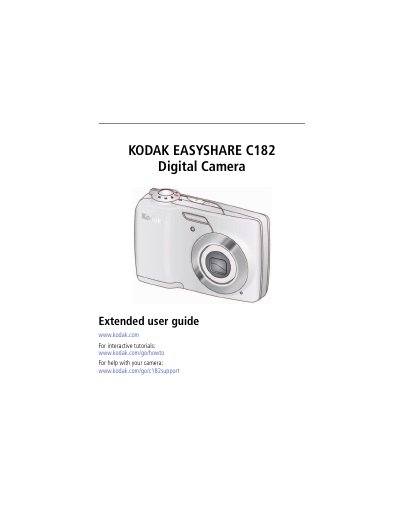
This guide walks you through setting up the Kodak EasyShare C182, including attaching the strap, loading AA batteries, inserting an SD/SDHC card, and turning the camera on. It also shows how to change language and date/time settings via the Setup menu.
The manual covers all shooting functions such as picture size, focus modes, self‑timer, burst, and long‑time exposure, as well as video recording, reviewing, editing, and transferring files to a computer. An appendix provides detailed camera specifications and safety information.
| Image sensor | 1/2.33-type CCD, 12 MP |
|---|---|
| Effective pixels | 12.4 MP (4096 × 3016) |
| LCD screen | 7.62 cm (3.0 in.) diagonal, 230 K pixels |
| Maximum SD/SDHC card size | 32 GB |
| Internal memory | 16 MB (11 MB available for images) |
| Optical zoom | 3× optical zoom, f/2.9–f/5.2 |
| Shutter speed range | 0.5–1/1400 s (0.5–8 s long exposure) |
| ISO speed | Auto 80–250, Manual 80‑1000 |
The camera supports SD or SDHC cards up to 32 GB.
Use the Setup menu to change the language and date/time.
You can set a 10‑second or 2‑second delay, or use the 2‑shot mode for two pictures with a delay between them.