
This manual describes the safety precautions for using the KODAK CAROUSEL® Slide Projector
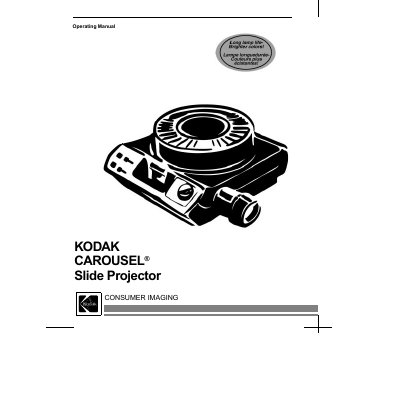
This manual covers the Kodak Carousel slide projector, describing its components, safety requirements, and how to operate the device safely and effectively. It includes sections on important safety instructions, loading slide trays, projecting slides, built‑in viewer use (Model 5600), lamp replacement, cleaning, troubleshooting, warranty information, and service contacts.
| Input voltage | 110‑125 V AC, 60 Hz |
|---|---|
| Slide tray capacity | 80 or 140 slides |
Read and understand all instructions, use only 110‑125 V 60 Hz power, keep cords clear, avoid touching hot parts, and never operate a damaged unit.
Remove the lock ring by turning it counter‑clockwise, place the tray on the projector, align the index slot, and insert slides upside‑down in order.
Check the tray indexing, reposition the tray, and clear any jam according to the "Clearing a Gate Jam" instructions.