
This manual describes how to use the Kodak M5370 digital camera. It includes how to install batteries, memory cards, use the flash, take pictures and record videos, view photos and videos, share photos and videos, and other operations.
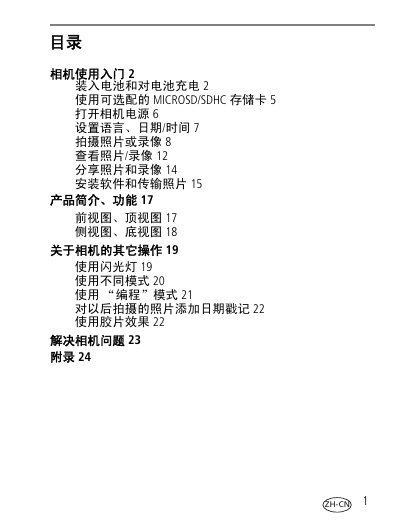
The Kodak M5370 is a digital camera that supports optional MICROSD/SDHC storage cards. Users can charge the battery using an internal charger or an external USB charger connected to a computer. The device allows users to capture photos and videos in various modes, including a 'Program' mode and film effects.
To operate the camera, users must first insert the battery and optionally load a memory card. Power is turned on via a dedicated button, after which language settings and date/time can be configured. Shooting involves selecting a mode and pressing the shutter release. The manual also covers viewing images, sharing content, and troubleshooting common issues. This manual is written in Chinese.